Drums, bass and one chord loop: a simple order of work for your first finished beat in any DAW.
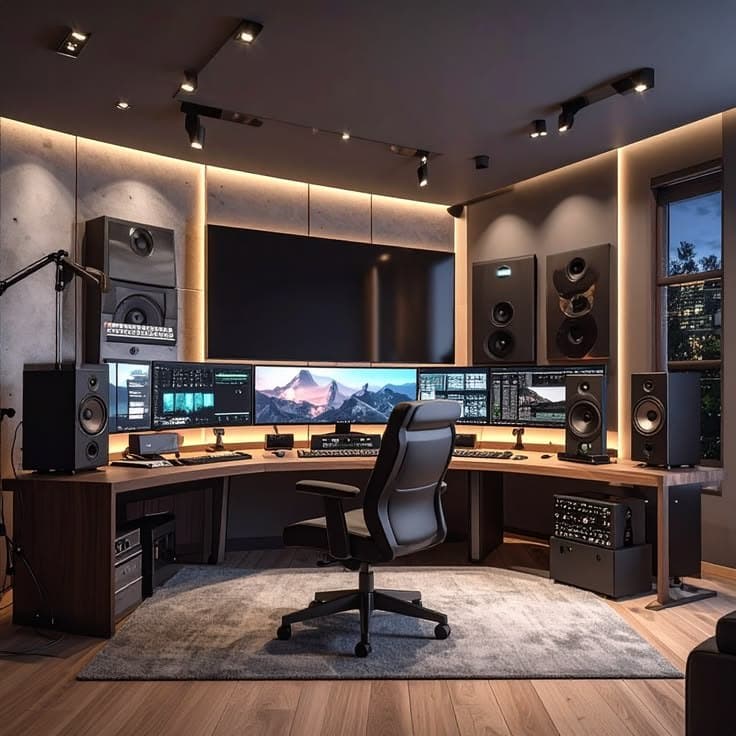
Most first beats never get finished because they start with sound design instead of a song. This order of work keeps you moving. It works in FL Studio, Ableton Live, Logic Pro or GarageBand.
Minutes 0–5: set the tempo and loop length
Pick a tempo before anything else. Around 85–95 BPM suits hip-hop and R&B; 120–128 suits house and pop. Set a four-bar loop.
Minutes 5–12: the drums
- Kick on beats 1 and 3 (or wherever feels right).
- Snare or clap on beats 2 and 4.
- Hi-hats in eighth notes. Then remove a few so it breathes.
Minutes 12–20: one chord loop
Choose a soft keys or pad sound and play four chords, one per bar. Borrow a progression from the chord guides, for example Am – F – C – G.
Minutes 20–26: the bass
Play the root note of each chord in a low octave, starting on the same beat as the kick. Matching bass and kick rhythm is what makes a beat feel locked in.
Minutes 26–30: arrange and export
Copy the loop to make 32 bars. Remove the drums for the first four bars and bring them in on bar five. Export it. It is finished, and finished beats teach you more than perfect loops.
What I would use for this
Akai MPK Mini
25 mini keys, drum pads and knobs in a keyboard small enough for a desk. A common first controller for beatmaking.
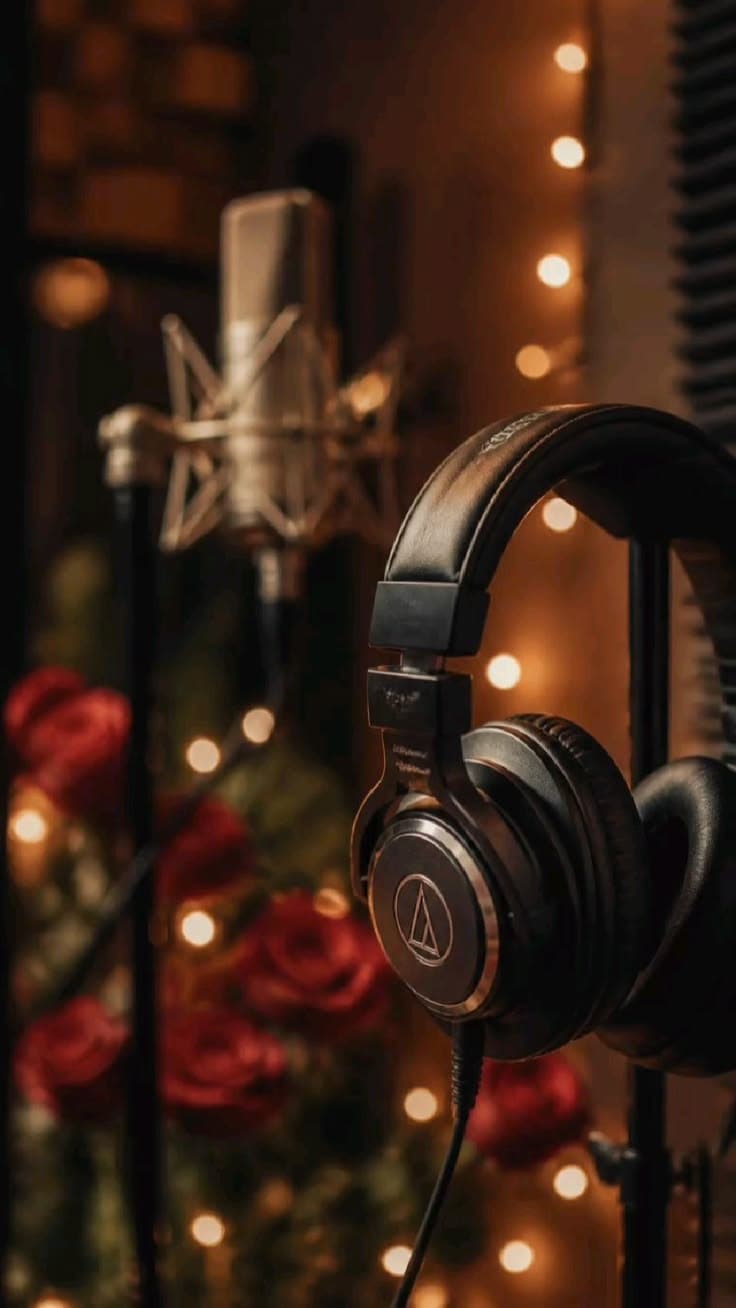
Audio-Technica ATH-M50x
Closed-back studio headphones that keep the click track out of your vocal mic and work for long writing sessions.
Affiliate links: I may earn a commission at no extra cost to you. Disclosure